Iedere dag bieden wij GRATIS software met licentie waarvoor je normaliter moet betalen!
Giveaway of the day — UnHackMe 16.10
UnHackMe 16.10 werd aangeboden als een giveaway op 18 juni 2024
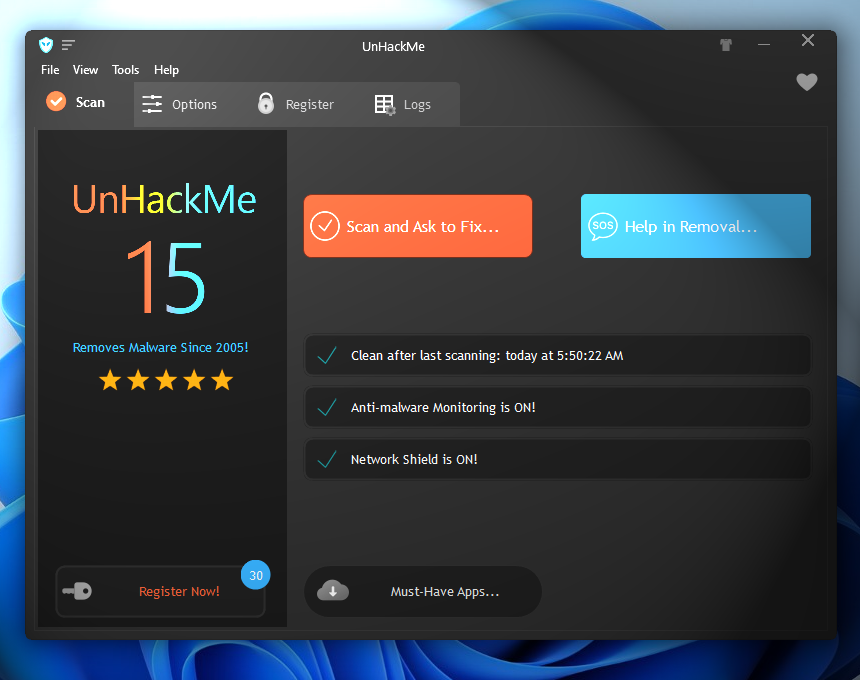
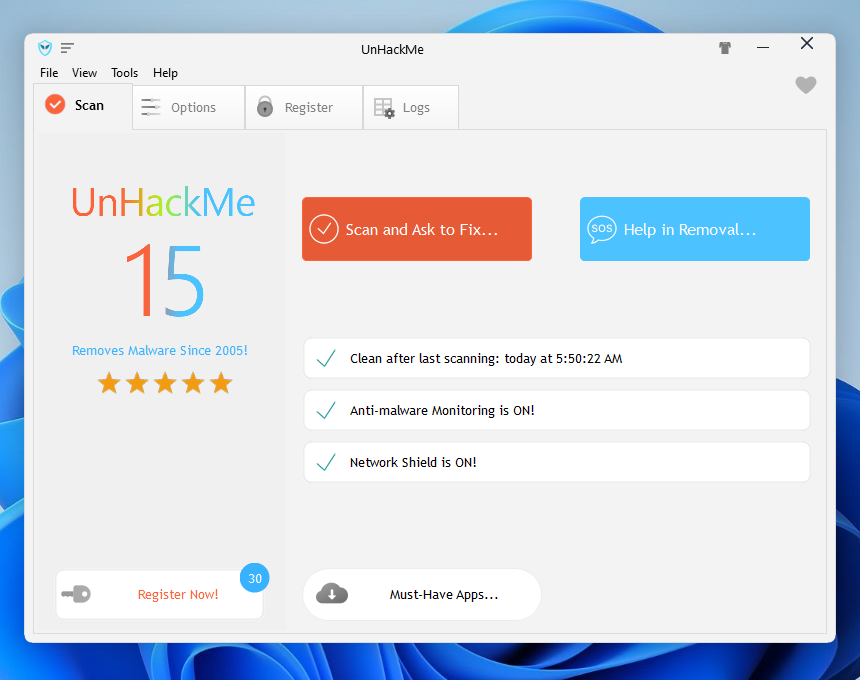
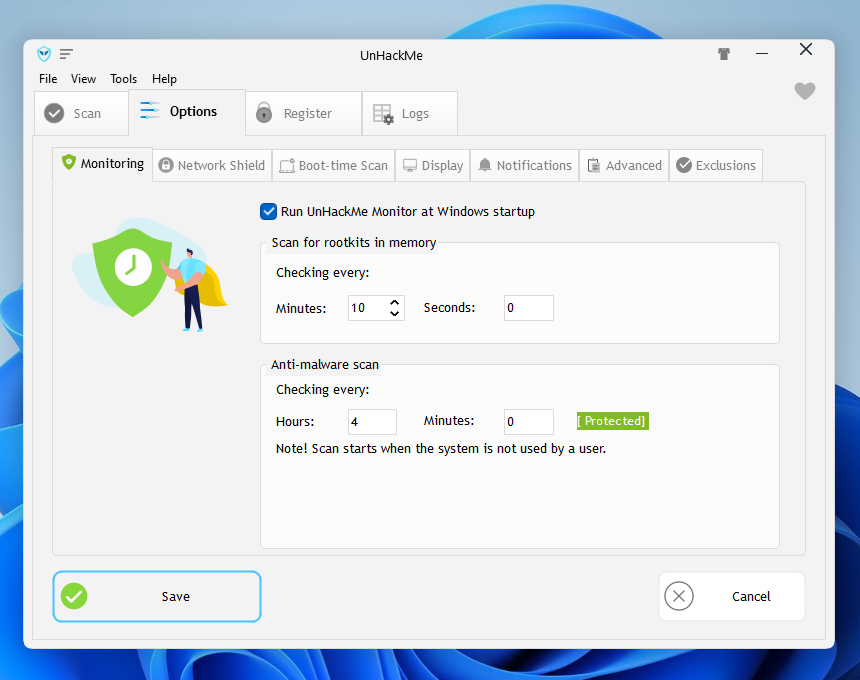
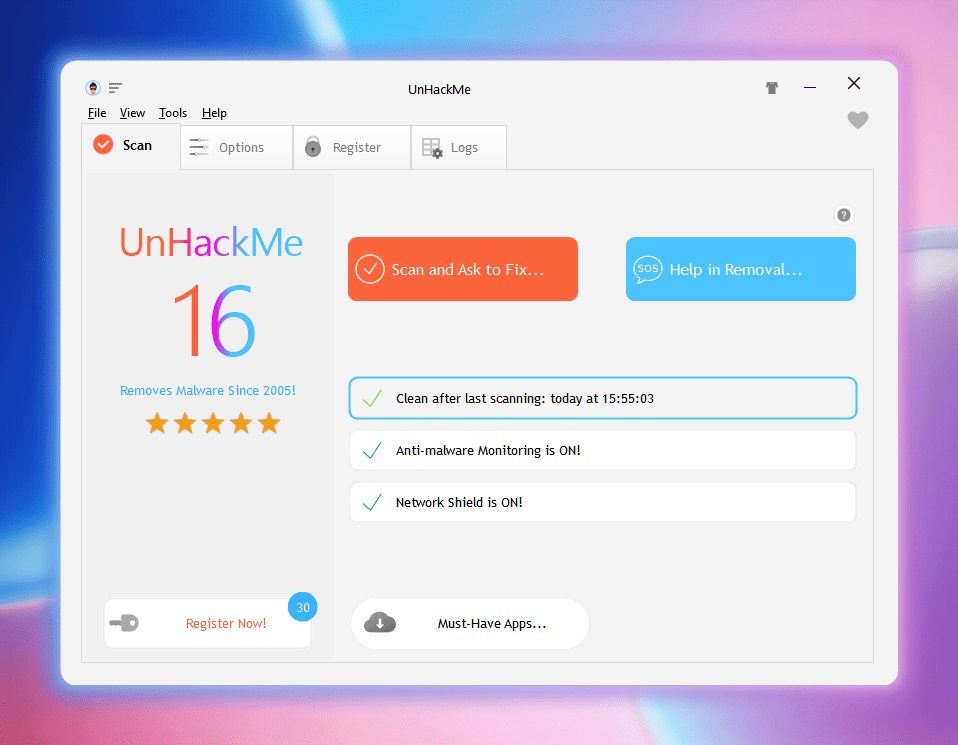
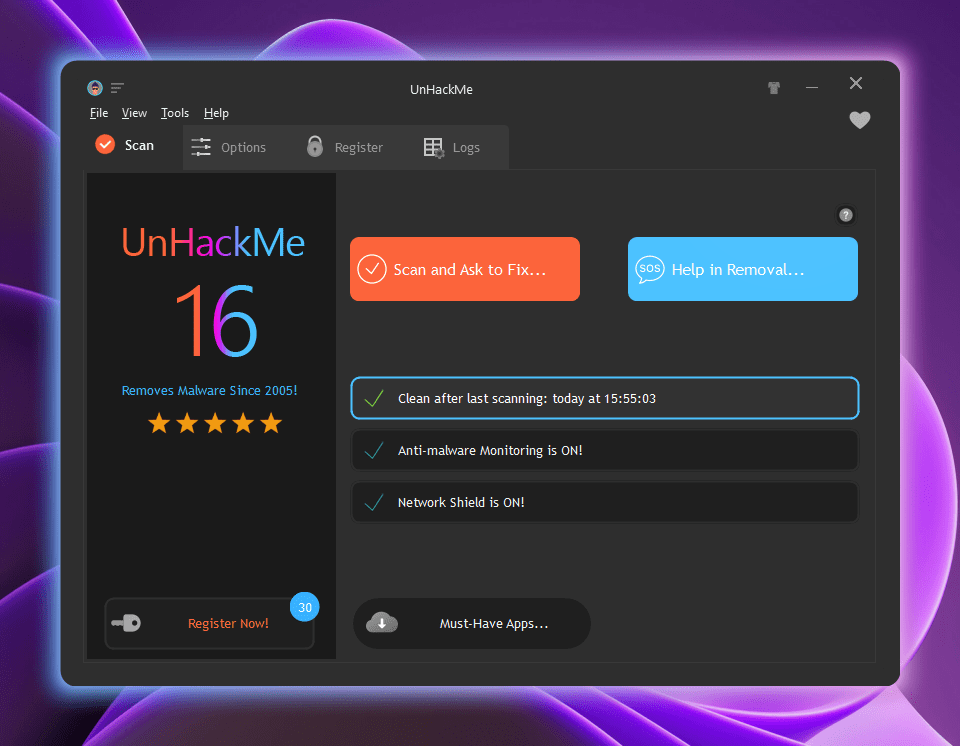
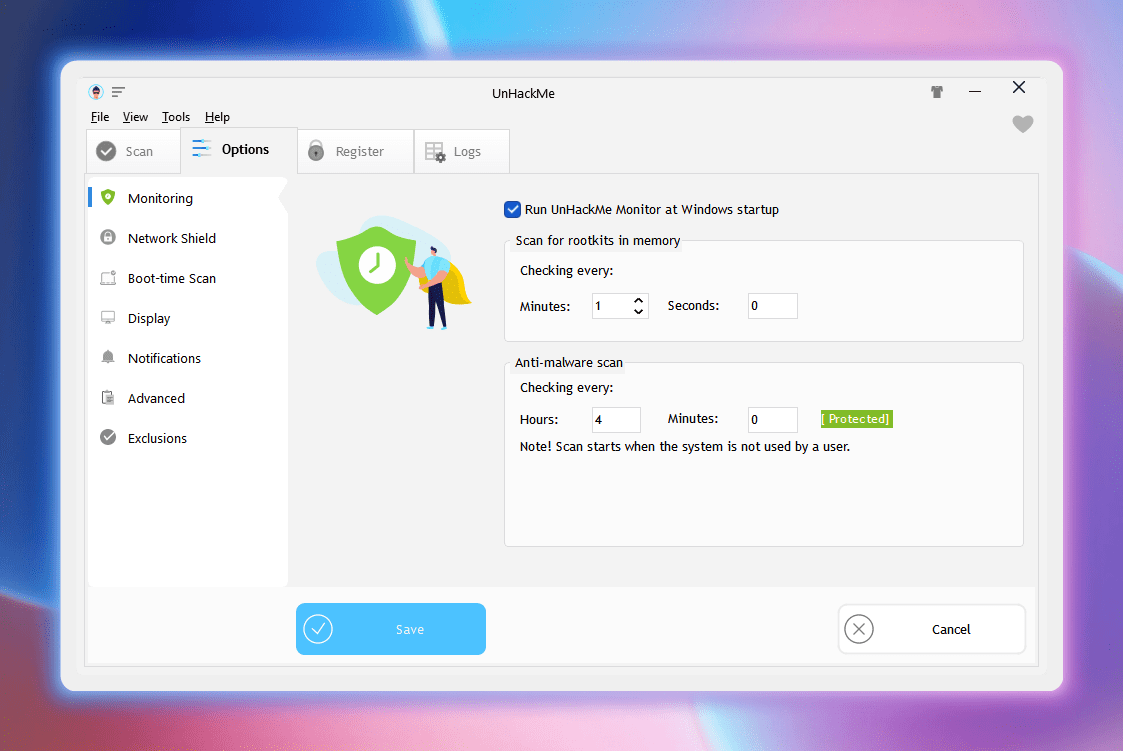
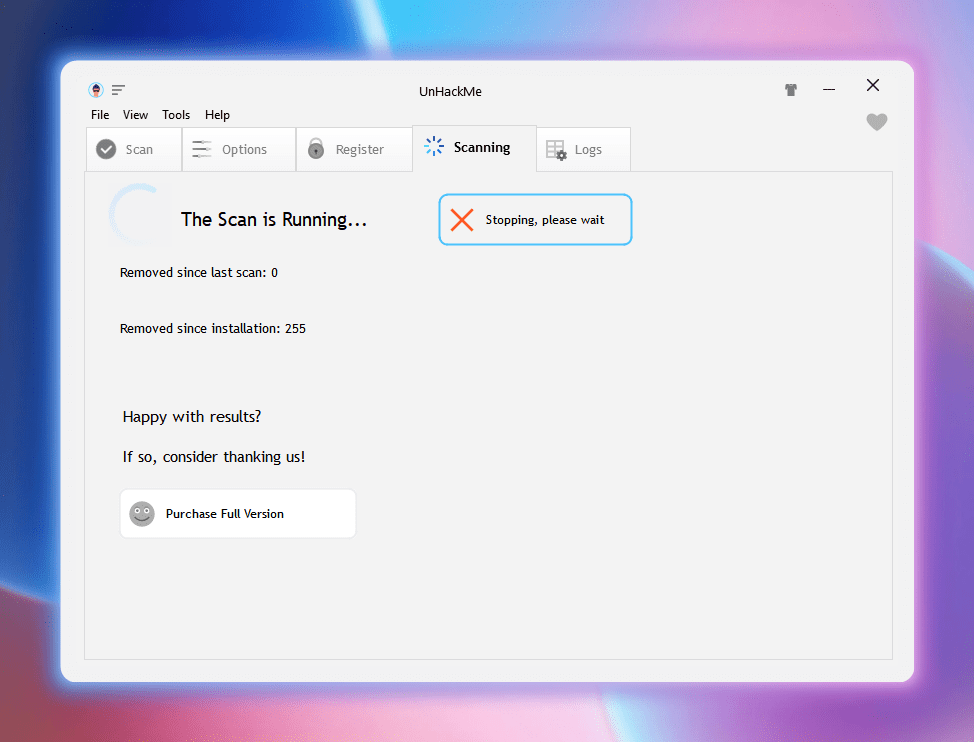
UnHackMe is de ultieme malwaremoordenaar voor Windows! UnHackMe werd oorspronkelijk in 2005 gemaakt als anti-rootkitsoftware. Nu verwijdert het de volgende soorten kwaadaardige software: zoekomleidingen, pop-upadvertenties, mogelijk ongewenste programma's (PUP's), rootkits, Trojaanse paarden, spyware en keyloggers. UnHackMe is compatibel met alle bekende antivirussoftware. Het is de beste aanvulling op uw antivirusprogramma! UnHackMe vertraagt uw pc niet. Er wordt niet in realtime gescand. U kunt het scanschema aanpassen aan uw behoeften.
The current text is the result of machine translation. You can help us improve it.
Systeemvereisten:
Windows XP/ Vista/ 7/ 8/ 8.1/10/ 11 (x32/x64); 256 MB RAM; 40 MB of free disk space; Compatible with all known antiviral software
Uitgever:
Greatis SoftwareWebsite:
https://greatis.com/unhackmeBestandsgrootte:
42.8 MB
Licence details:
Lifetime, no updates
Prijs:
$39.90
GIVEAWAY download basket



Reactie op UnHackMe 16.10
Please add a comment explaining the reason behind your vote.

I have used this software before. But can it work together with Microsoft Defender? To find that out, I asked ChatGPT the following question:
"Please advise me: if I install UnHackMe on a Windows 11 computer, should I turn off Microsoft Defender? Or can they work together? How should I tune them? Please report any url's you consulted to answer my questions. Thank you in advance."
Below ChatGPT's answer:
"UnHackMe is designed to work as an additional layer of security on top of your existing antivirus solution, including Microsoft Defender. However, there are a few considerations to keep in mind when running multiple security programs concurrently.
Compatibility and Coexistence
UnHackMe can work alongside Microsoft Defender. There is no need to disable Microsoft Defender when installing UnHackMe. Running both programs together can provide comprehensive protection as UnHackMe specializes in detecting and removing rootkits, while Microsoft Defender offers broad-spectrum antivirus and anti-malware protection.
Tuning and Configuration
To ensure that both programs work harmoniously without causing performance issues or conflicts, follow these steps:
Install UnHackMe: Download and install UnHackMe from a reputable source. Follow the installation instructions.
Update Both Programs: Ensure both UnHackMe and Microsoft Defender are up-to-date with the latest virus definitions and software updates.
Exclude Folders:
In UnHackMe: Add Microsoft Defender’s folders to UnHackMe’s exclusion list. This prevents UnHackMe from scanning Defender’s files.
In Microsoft Defender: Add UnHackMe’s installation folder to Microsoft Defender’s exclusion list. This prevents Defender from mistakenly identifying UnHackMe as a threat.
To exclude files or folders in Microsoft Defender:
Open Windows Security.
Go to "Virus & threat protection."
Click on "Manage settings" under "Virus & threat protection settings."
Scroll down to "Exclusions" and click "Add or remove exclusions."
Add the UnHackMe installation folder.
Scheduled Scans: Stagger the scheduled scans to avoid both programs running simultaneous scans, which can cause performance degradation. For example, set UnHackMe to scan at a different time than Microsoft Defender.
Monitoring Performance
After installation and initial configuration:
Monitor system performance.
Check for any unusual behavior or system slowdowns.
If you encounter any issues, revisit the exclusion settings and scheduled scan times.
URLs Consulted
For accurate and detailed information, I consulted the following sources:
UnHackMe official website: https://www.unhackme.com/
Microsoft Defender documentation: https://docs.microsoft.com/en-us/microsoft-365/security/defender-endpoint/microsoft-defender-antivirus-in-windows-10
Various tech forums and reviews for user experiences with UnHackMe and Microsoft Defender.
By following these steps and guidelines, you should be able to run UnHackMe alongside Microsoft Defender without any significant issues, thus enhancing your system's security."
------
A pity ChatGTP did not disclose the url's behind 'Various tech forums and reviews for user experiences with UnHackMe and Microsoft Defender.' But what it writes, seems very plausible. Certainly the tip to exclude their folders to the scrutiny of their counterpart.
As the licence is lifetime, and this software is regularly given away here, I feel no need to search for alternatives. https://alternativeto.net/software/unhackme/ found 52 alternatives.

gergn,
No one should trust anything CHATGPT says without checking reliable sources, so why not just do that in the first place. It is designed to make misinformation sound plausible. But yes, sometimes it is right.
gergn, My input, stay away from AI for solutions, questions or to confirm or deny. AI is made to brainwash, confuse, mislead and make you not to believe in your knowledge and reason.
I was a tester for Bard/Gemini until recently and, as part of my testing, did comparisons with Bing/Copilot, ChatGPT, and others. In roughly half of my queries, across a wide range of subjects, the AIs produced plausible-sounding but inaccurate responses. Sometimes they were wholly fabricated, sometimes only partly, but still misleading.
They are designed to produce something plausible that meets their users' expectations, and these companies don't seem very interested in changing this (fatal) flaw. Instead, they add more bells and whistles and incorporate AI into more elements of our lives. Perplexity.ai is more accurate, but it still draws inferences from its sources -- which it reveals -- that aren't accurate, and it doesn't distinguish between some user's comment on reddit and a trustworthy source.
I've been a fan of artificial intelligence since I first read about cybernetics in third grade, in 1959, but never did I imagine it would be designed to produce "alternative facts."
Using this program in the past it finds too many PUPs, programs that are not used often. It is thorough but you have to know which programs you wish to keep and those you wished removed. In other words, you need to know what you're doing.
iPhone dagaanbiedingen »




Android dagaanbiedingen »




gergn. Next time ask CoPilot from microsoft and you will get the Ulrs he consulted
Save | Cancel
Andries, bedankt voor de tip.
Save | Cancel