Nederlands
Iedere dag bieden wij GRATIS software met licentie waarvoor je normaliter moet betalen!

$29.95
VERSTREKEN
Giveaway of the day — Zeus Image Converter Pro 1.9.1
Zeus is the most powerful image conversion software on the market.
$29.95
VERSTREKEN
Waarderingscijfer:
31
Reactie inzenden
Zeus Image Converter Pro 1.9.1 werd aangeboden als een giveaway op 26 augustus 2020
Vandaag Giveaway of the Day

Bedien uw externe desktop of laptop vanaf elk apparaat en overal!
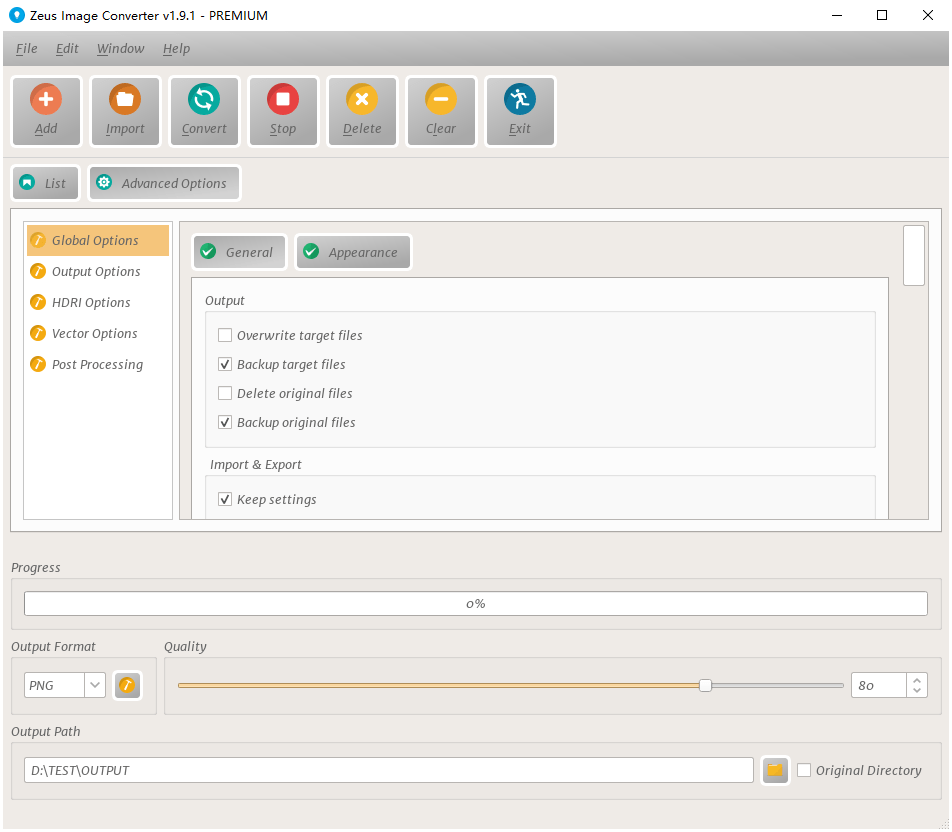
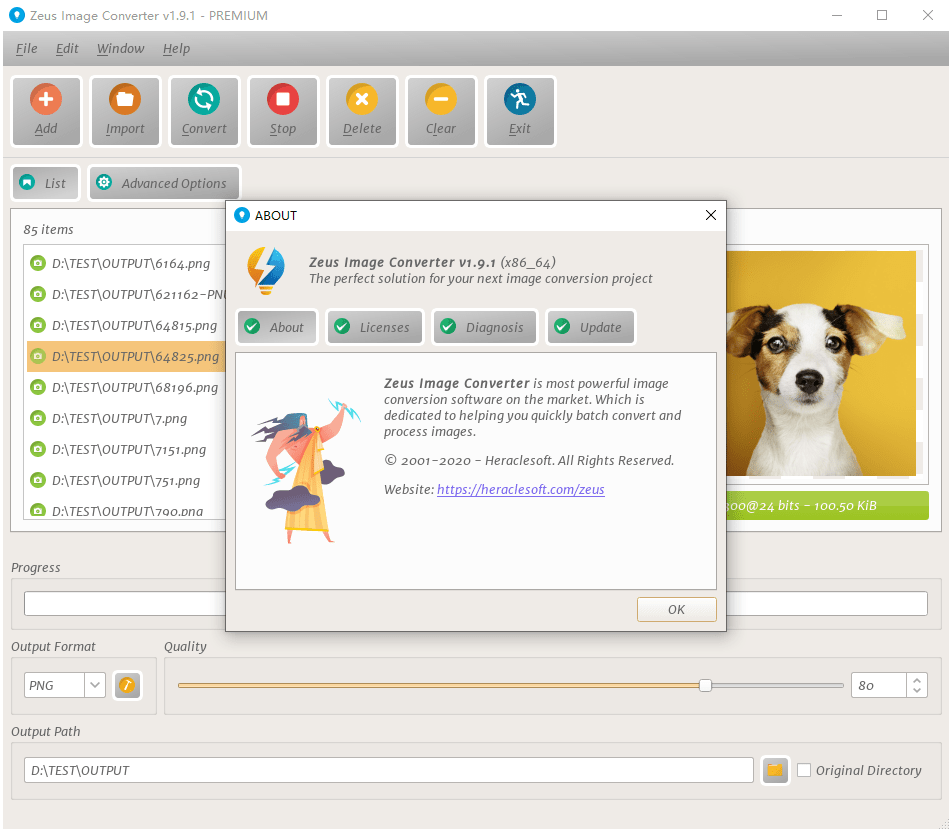
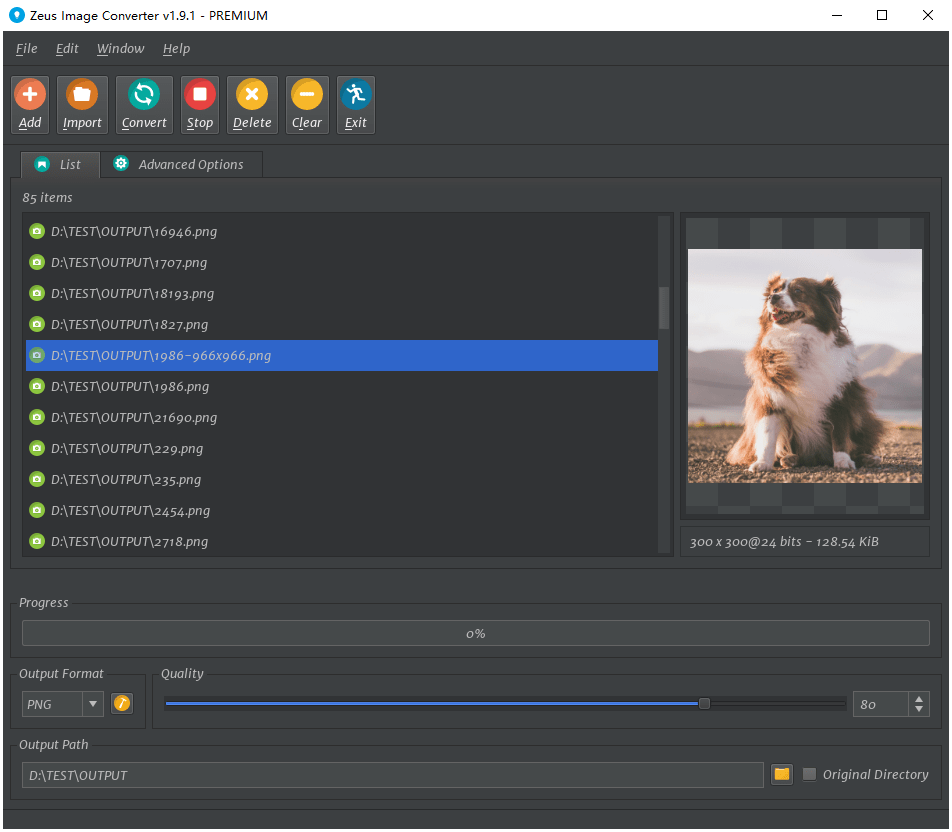
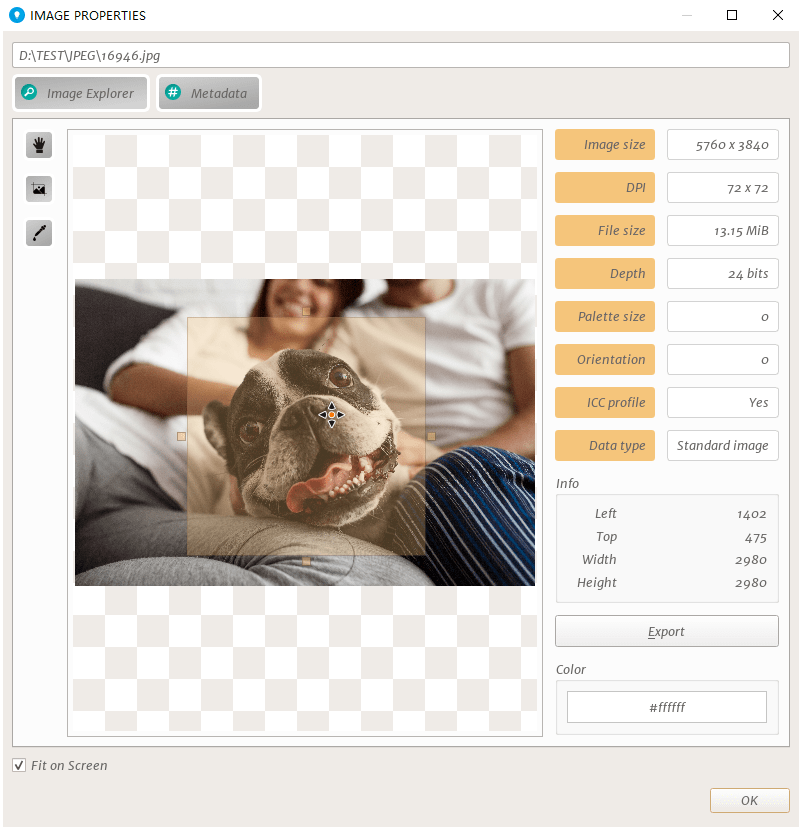
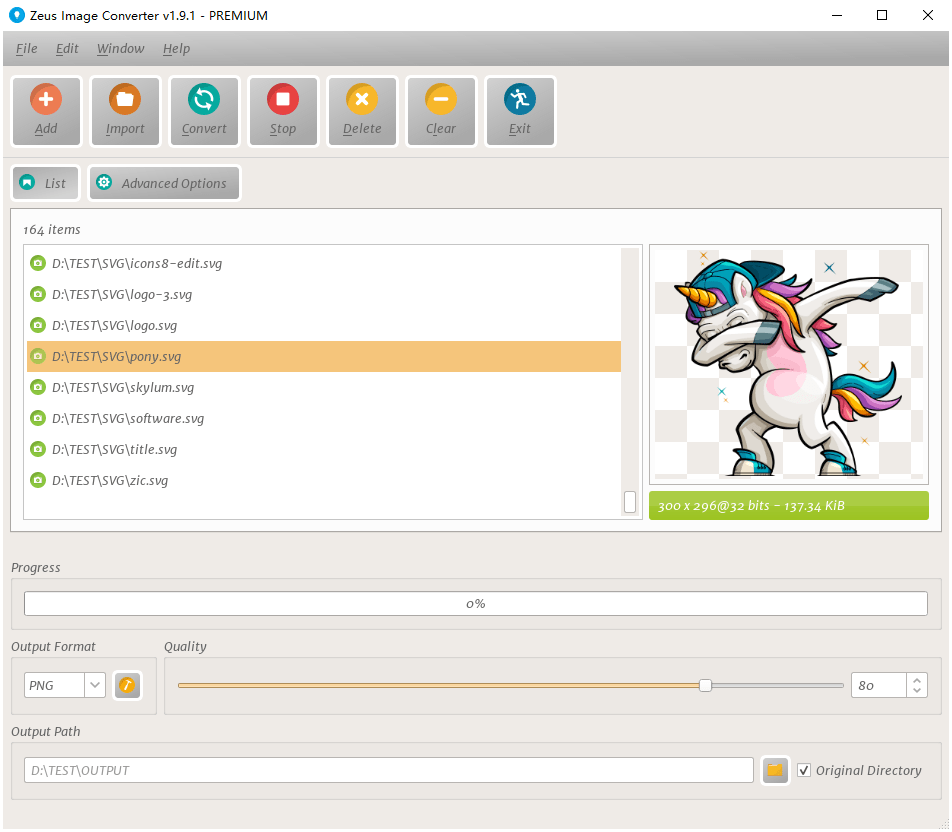
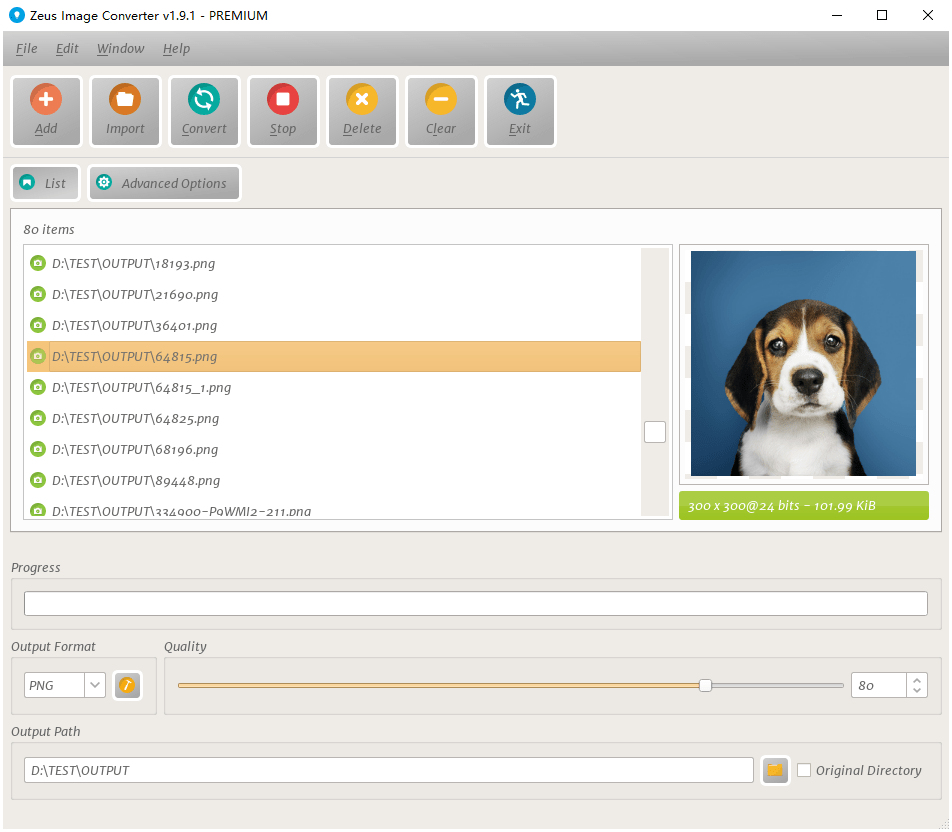
Zeus is the most powerful image conversion software on the market, which is dedicated to helping you quickly batch convert and process images.
You can:
The current text is the result of machine translation. You can help us improve it.
Systeemvereisten:
Windows Vista/ 7/ 8/10 (x32/x64)
Uitgever:
HeraclesoftWebsite:
https://heraclesoft.com/zeus-image-converter/Bestandsgrootte:
29 MB
Licence details:
Lifetime, no updates
Prijs:
$29.95
GIVEAWAY download basket

Access Photoshop, InDesign, Illustrator, and Acrobat software.

Create, manage, copy and edit custom images.

Developed by Zoner, Inc.

Developed by PhotoInstrument
iPhone dagaanbiedingen »

$19.95 ➞ vandaag gratis

$0.99 ➞ vandaag gratis

Every Day Spirit is a collection of beautiful, original, hand-crafted wallpapers created to make your phone look amazing.
$0.99 ➞ vandaag gratis

$4.99 ➞ vandaag gratis

$1.99 ➞ vandaag gratis
Android dagaanbiedingen »

$0.99 ➞ vandaag gratis

$0.99 ➞ vandaag gratis

Spelling Right is a new challenging educational spelling game that will test your English spelling skills.
$2.29 ➞ vandaag gratis

$0.99 ➞ vandaag gratis

$1.49 ➞ vandaag gratis
Reactie op Zeus Image Converter Pro 1.9.1
Please add a comment explaining the reason behind your vote.
Does the software work completely offline or is an internet connection required in order to be able to use all features?
thanks for clarifying
afg
Save | Cancel
asg, it's for offline use.
Save | Cancel
Downloaded & installed fine.
However, on initial launch on my high-DPI display the title bar and menu just below it were past the top of the display screen area so I could not drag the overall window down.
I used the "trick" of right-click on its taskbar icon to reveal the move option, then used the keyboard cursor keys to bring the menus and title bar down into view.
The next issue was the vertical size of the window which now extended out of sight below the screen. I attempted to resize the vertical dimension shorter by click-grab-dragging the top edge of the title bar down, but surprisingly the window raced away from where the mouse cursor was positioned until the window had totally disappeared out of sight past the bottom!
I right-clicked on the taskbar icon to close/exit Zeus, but upon re-launching it once again returned to existing off-screen.
I used the same "trick" once again to use the keyboard cursor keys to move the window back within view.
There appears to be no way to adjust the vertical dimension of the window. The horizontal dimension can be resized in the normal way (grab an edge or corner and drag it).
Also, after trying to maximize the window one time it now initially appears maximized every time Zeus is launched (from not running). It does "Restore Down" back to the "remembered" size from a previous run.
As others mentioned, there is a "Window" menu to adjust the window position horizontally (left, center, right) or vertically (center, reset); but I would prefer getting rid of those options and allowing the user to perform their own sizing in the traditional way (and returning/restoring to that size on next launch).
Selecting "Reset" from the "Window" menu restores the window position (and size) to the very initial condition where the title bar and menus are once again past the top of the display screen (*sigh*).
Haven't even tried its intended purpose yet as dealing with this initial impression was so annoying.
Save | Cancel
XnView shell extension is very good and easy to use inside the file explorer. Programs like XnView, IrfanView, Faststone...etc all are good and free.
Save | Cancel
Super resolution can't be selected, complaining it needs premium version.
This is the Pro.
Save | Cancel