Iedere dag bieden wij GRATIS software met licentie waarvoor je normaliter moet betalen!

Giveaway of the day — Howler Lite 12 2019
Howler Lite 12 2019 werd aangeboden als een giveaway op 4 mei 2019

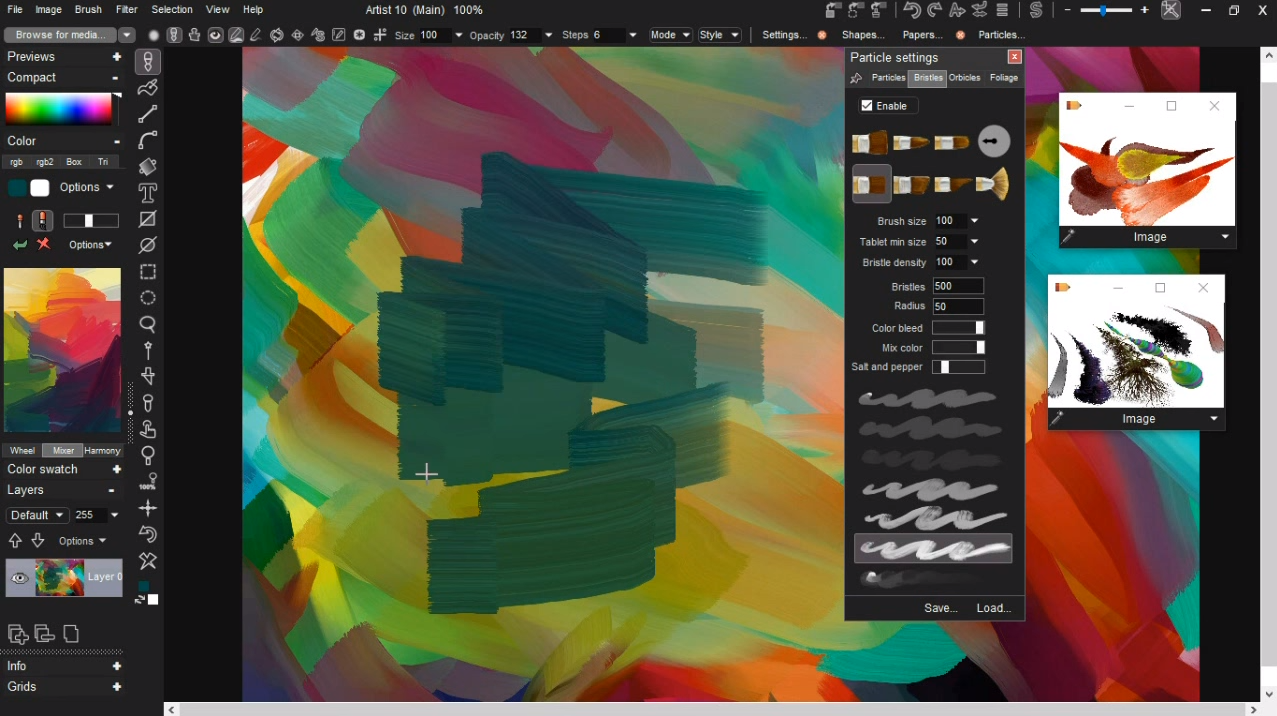
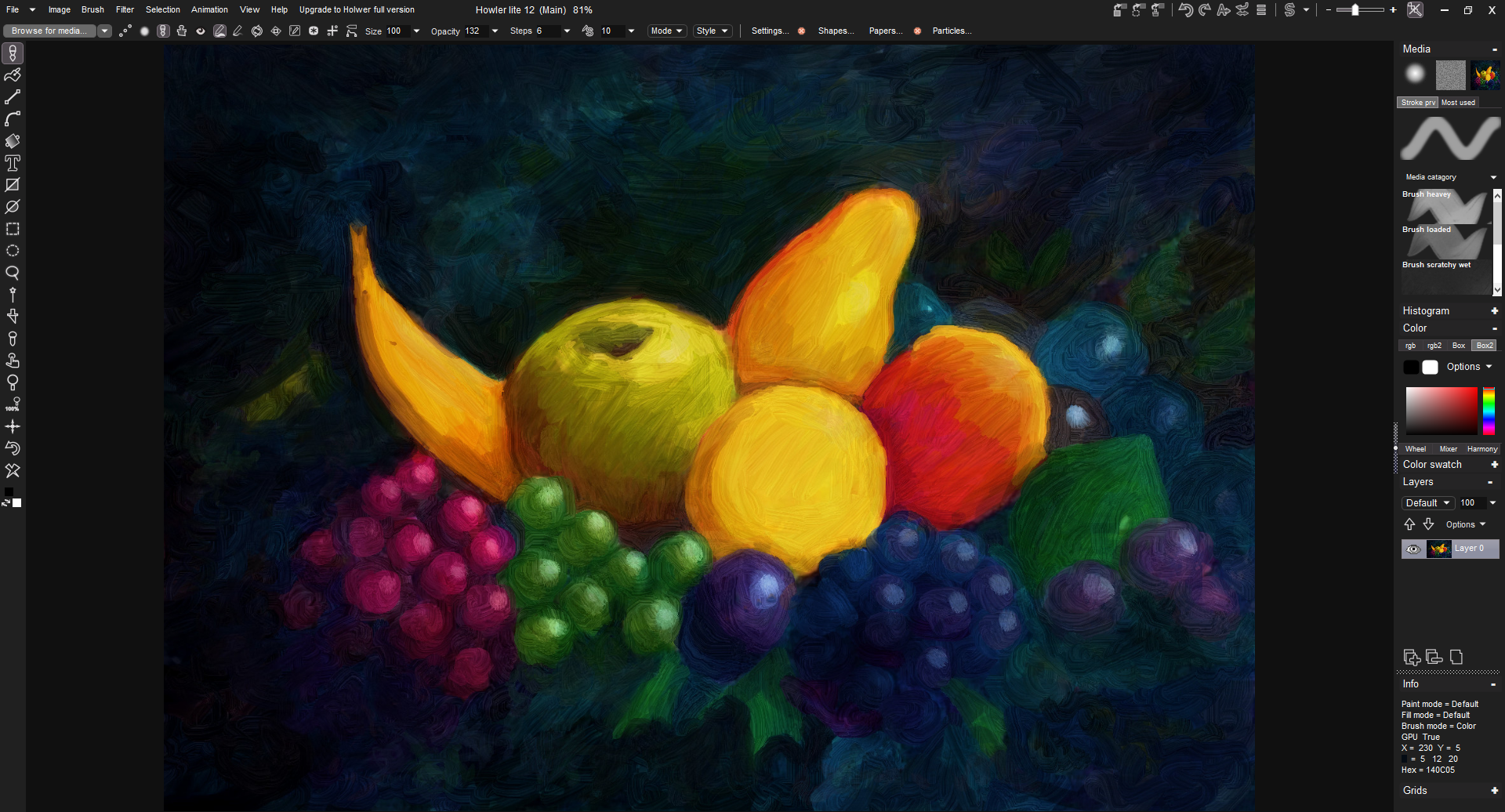
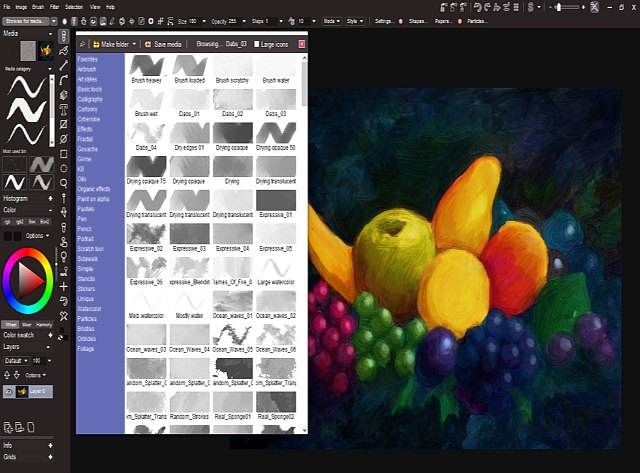
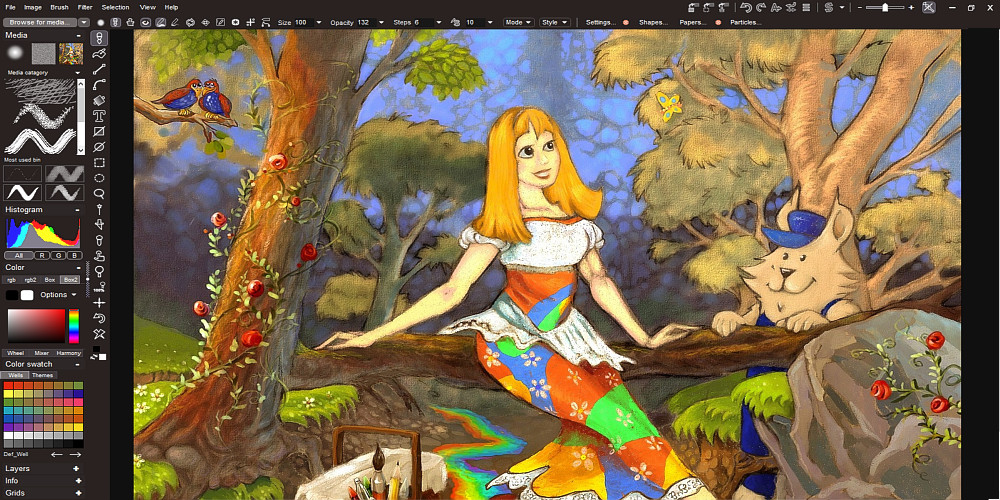

Howler Lite is een natuurlijke media-schilder met video-animatie, 3D en visueel effect. Creëer cinematische visuele FX in een vertrouwde schildersomgeving met baanbrekende real-time prestaties. Howler Lite beschikt over enkele van de meer professionele, esoterische functies van Howler, zoals batchverwerking en belichtingspagina's, en bevat iets minder media om de installatieruimte-eisen te verlagen voor meer informele gebruikers.
Hier het verschil tussen Light en de Full versie
The current text is the result of machine translation. You can help us improve it.
Systeemvereisten:
Windows 7/ 8/ 10
Uitgever:
Project DogwaffleWebsite:
https://www.thebest3d.com/2019/lite.htmlBestandsgrootte:
63.2 MB
Prijs:
$22.00
Andere titels

Meer extra penseeltools:
- Resample van het (aangepaste) penseel
- Premultiply-correctie
- Penselen naadloos maken
- Voeg een slagschaduw toe aan de penseelafbeelding
- BrushFX - heel veel speciaal FX penselen, flares, ...
- Patronen (rotsen, mos, gras, ...)
- Geanimeerde penselen - inclusief tools om afbeeldingsreeksen en AVI-bestanden naar de penseel te laden
- Tijdlijn-editor voor de animbrush
- converteer een reeks van afbeeldingscellen (sprites) naar een animbrush
GIVEAWAY download basket



Reactie op Howler Lite 12 2019
Please add a comment explaining the reason behind your vote.

it is basically a free version then with these missing compared to the paid version
There are no plugins or scripts.
The animated and photographic categories of filters are disabled, along with some other filters.
Medias are trimmed down to about 60%.
The ability to animate with the circle and line tool is removed.
Line cleanup and non-photo blue removal tools are removed.
There is no browser or batch processing, and loading/saving animation is limited to AVI and native .DWA format.
The new feature removal tools are... you guessed it: removed.
no brush keyframer,
no stroke recorder,
exposure sheet is removed.
a chocolate teapot would make for a better program and do more than this 'lite' monstrosity. uninstalled.

Hi Urkim 99, but almost everything you said is just not true. We do not support Windows XP or Vista. Windows 7 and higher is required. We make extensive use of Visual C++, c++ amp, and make extensive use of modern programming practices in addition to supporting legacy code. We're not in a rush to port hundreds of thousands of lines of code to something entirely new just to say we did it. APIs come and go on a regular basis. Windows Forms, WPF, and etc, have all come and gone, but we continue to use what makes sense. Again, I'm sorry you did not find it useful. 20 years ago, we set out to write a program that would help people get their films made, and we've worked hard and put our money where our mouth is over those years.
Folks, I have the full version of PD Howler 2019 0025. Before that I had PD Howler 10, and before that I had PD Artist 9; however, I had free versions of Project Dogwaffle before I got paid versions, and never once did I complain. I have liked and even loved all that I have had. On top of this, you can find tutorials on YouTube that explain how to use the various tools and even how to create your own brushes for the program. Yes I am still learning, but for a program that gets regular upgrades, that should always be expected.
I must say this:
If you are expecting a full version in a giveaway, you are not going to get it in most cases for any program. If you are looking for the latest and greatest pro version here at GAOTD, I've not seen that happen ever. Even full versions of something being given away here will not be the proprietor's latest.
The fact that you are getting a lite version of Howler here, and it is a 2019 one, is awesome in my opinion! Grab it, use it. Even with the limitations, there are plenty of things you can do with it. So you cannot do everything that the full version does. You cannot seriously expect that.
L. Cleveland Major,
"If you are expecting a full version in a giveaway, you are not going to get it in most cases for any program."
True, but there's always open source, in this case Krita. krita[.]org
Or you can buy it for $10 in win10's store or on Steam.
That's not saying anything good or bad about Howler -- just an alternative or compliment for your toolkit.
The name made me think of "Night Howlers" from Zootopia...LOL
It looks promising but does not respond to my tablet. It identifies it, says it is enabled, etc., but refuses to do anything with it. Only the mouse works in the test area. Not a positive thing for most artists. Everything else on this computer works with it, even programs without tablet support.
There is also a possibility to draw some flowers etc.
Results and an original together with some plants:
https://ootjegotd.stackstorage.com/s/NHXGm5AVLsbgvL1
iPhone dagaanbiedingen »





Android dagaanbiedingen »





"Howler Lite 12 2019"
Vandaag is de Lite-versie in de aanbieding; in het programma zelf zag ik af en toe ook Professional in een venster. Daardoor kreeg ik het idee(geen bewijs), dat uit de Pro-versie een aantal onderdelen buiten gebruik zijn gezet, maar dat het menu niet is aangepast.
Vandaag een Setup zonder code etc:
https://www.dropbox.com/s/gd5292eikz64ygr/Inhoud-GOTDzip.png
De Setup heeft geen taalkeuze:
https://www.dropbox.com/s/w36my9vg3b2xrs5/Setup.png
Tijdens de installatie werd er ook iets van Visual C++2015 EN 2017 geïnstalleerd:
https://www.dropbox.com/s/rhm3dcwx27ko1kb/Installatie.png
Het programma heeft een splashscreen:
https://www.dropbox.com/s/grb3wx744cdr4mp/Splashscreen.png
De eerste start:
https://www.dropbox.com/s/dnc0p6yitxtaheb/EersteStart.png
About; als naam van een tabblad staat er "PD Pro" en verder in de tekst "Lite":
https://www.dropbox.com/s/r0xxgoao00a7ta0/About.png
Layout en Utilities:
https://www.dropbox.com/s/ivvt0rns48yct70/Layout%2BUtil.png
De Settings heeft vele tabbladen; hier een drietal:
https://www.dropbox.com/s/soq03z1brxi4w1w/Settings.png
Er is ook een onderdeel met een test:
https://www.dropbox.com/s/3bohacgdjim03xz/Test.png
Bij het laden van een AVI wordt eerst de map Documenten geopend(tja, suiker staat ook altijd in de garage); als later toch een AVI wordt geopend komt er een melding met in de titel het woord "Professional":
https://www.dropbox.com/s/c5oe7foqxppqwyj/Laden-AVI.png
Als er uit de losse hand wordt getekend zijn er een tal van mogelijkheden:
https://www.dropbox.com/s/2d7lizrcrabqcls/Poging.png
Er is nog meer keuze aan gereedschap:
https://www.dropbox.com/s/t0rmj1tyipdz9l9/Keuze.png
De keuze uit opslagformaten voor een afbeelding:
https://www.dropbox.com/s/mylxdfwf74c343v/OpslaanAfbeelding.png
Bij verder experimenteren bleek ook, dat er bloemen en bomen getekend kunnen worden. Het lukte mij niet goed om in de verte iets op schaal te plaatsen.
Resultaten te zien in, ook met een originele foto met later wat extra's:
https://ootjegotd.stackstorage.com/s/NHXGm5AVLsbgvL1
Ootje
Save | Cancel
Alles op een rij:
https://www.dropbox.com/sh/8ncjnwsww68nb72/AABYASo2Jx3axjewMVirT8foa
Save | Cancel